More work. Less AI waste. Same subscriptions.
An assistant for your documents, on your own computer.
Write code? The developer edition of intentic →
Your assistant
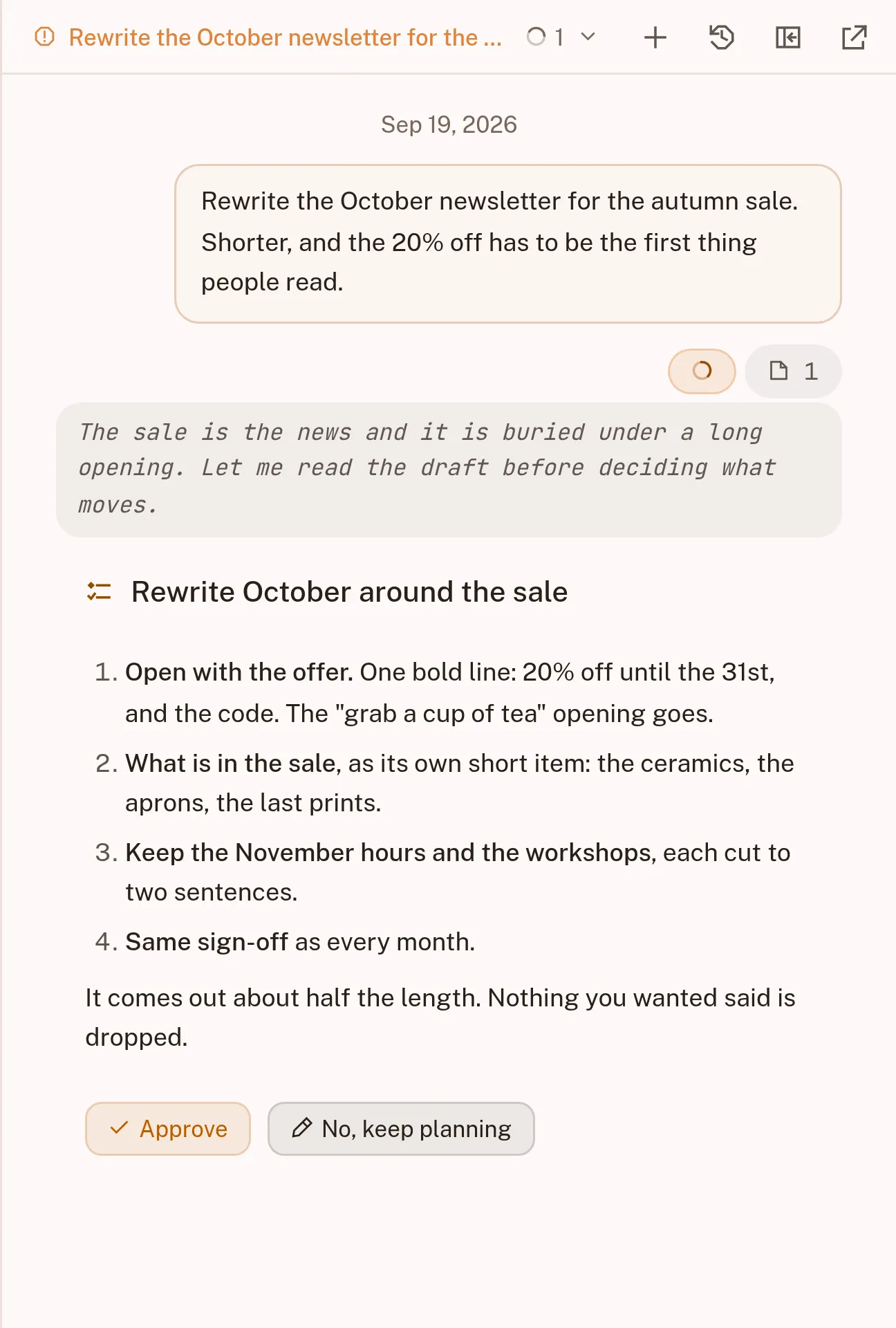
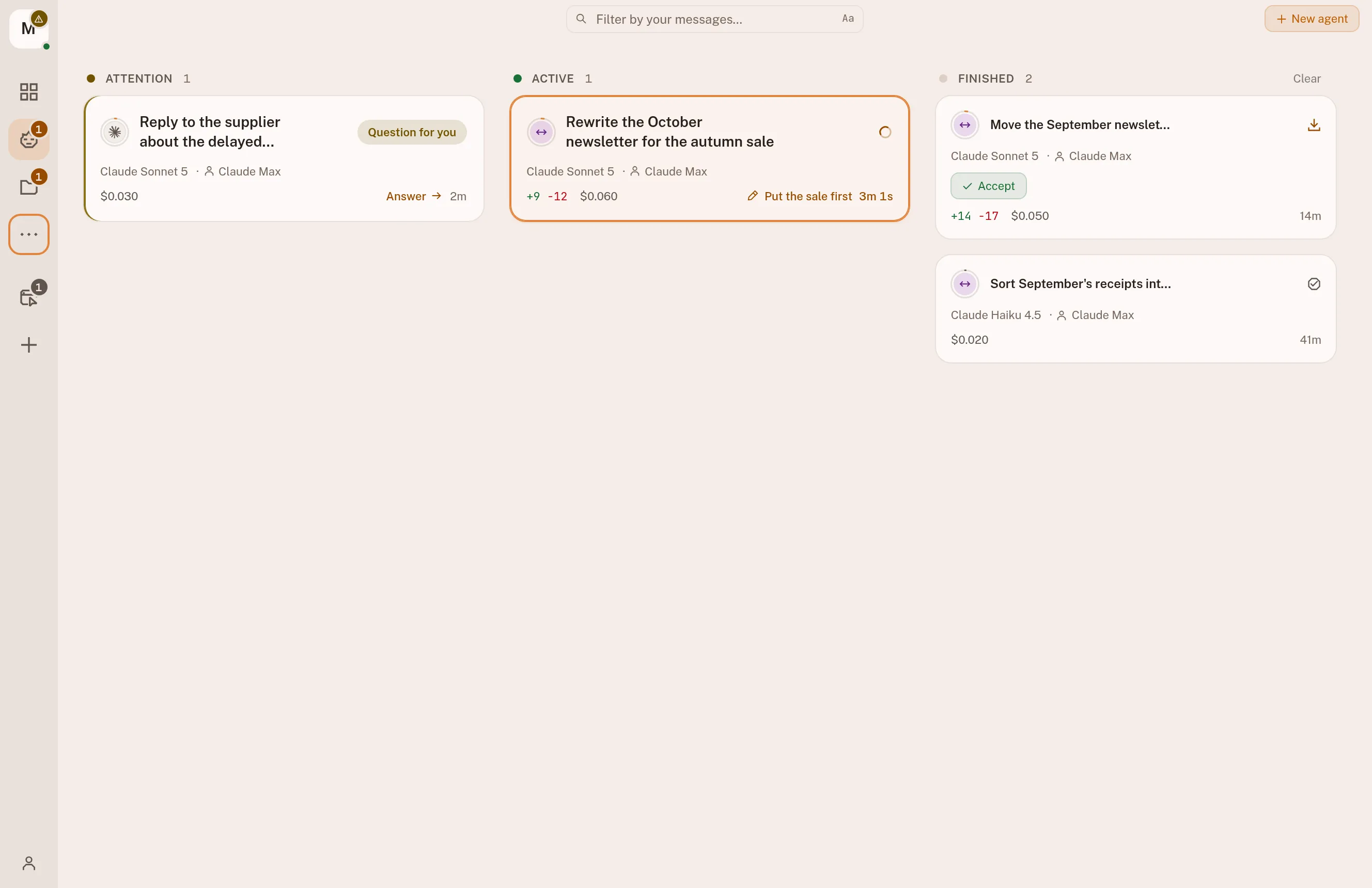
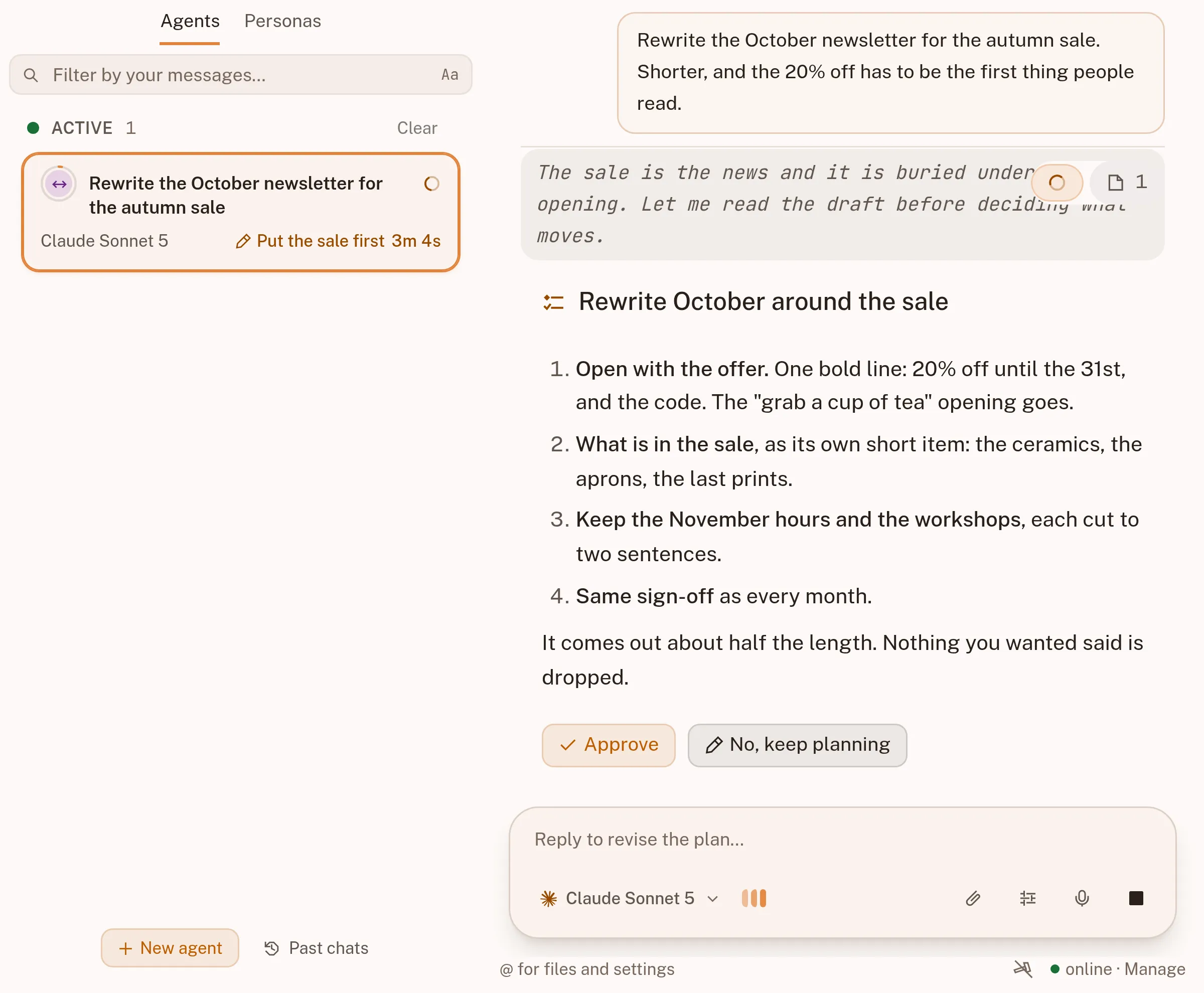
One board shows everything you have asked for, and puts the one that needs you first.
See it →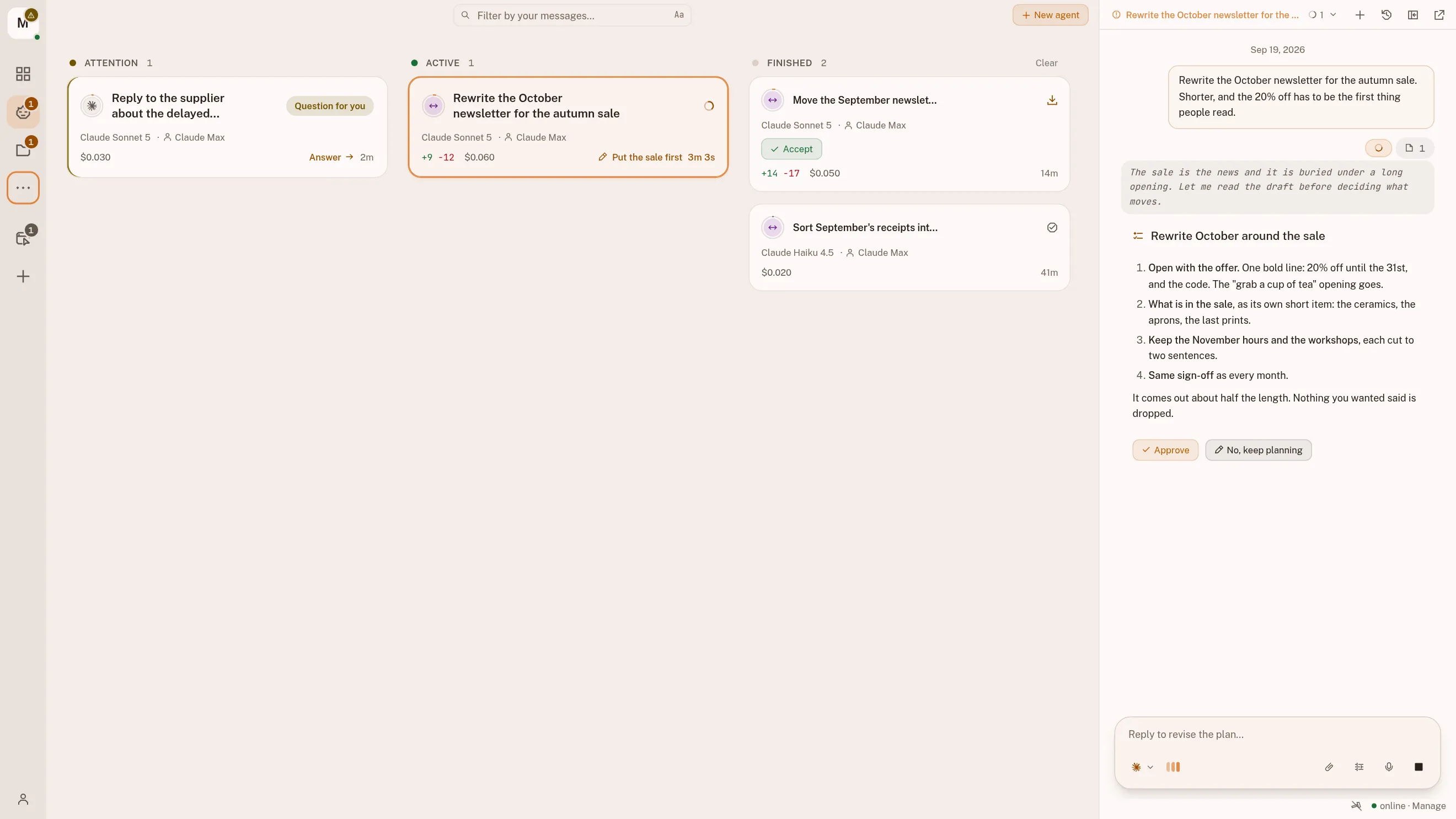
Connections
Give it your mail, your calendar, your files or your shop. Your passwords stay on your computer.
See it →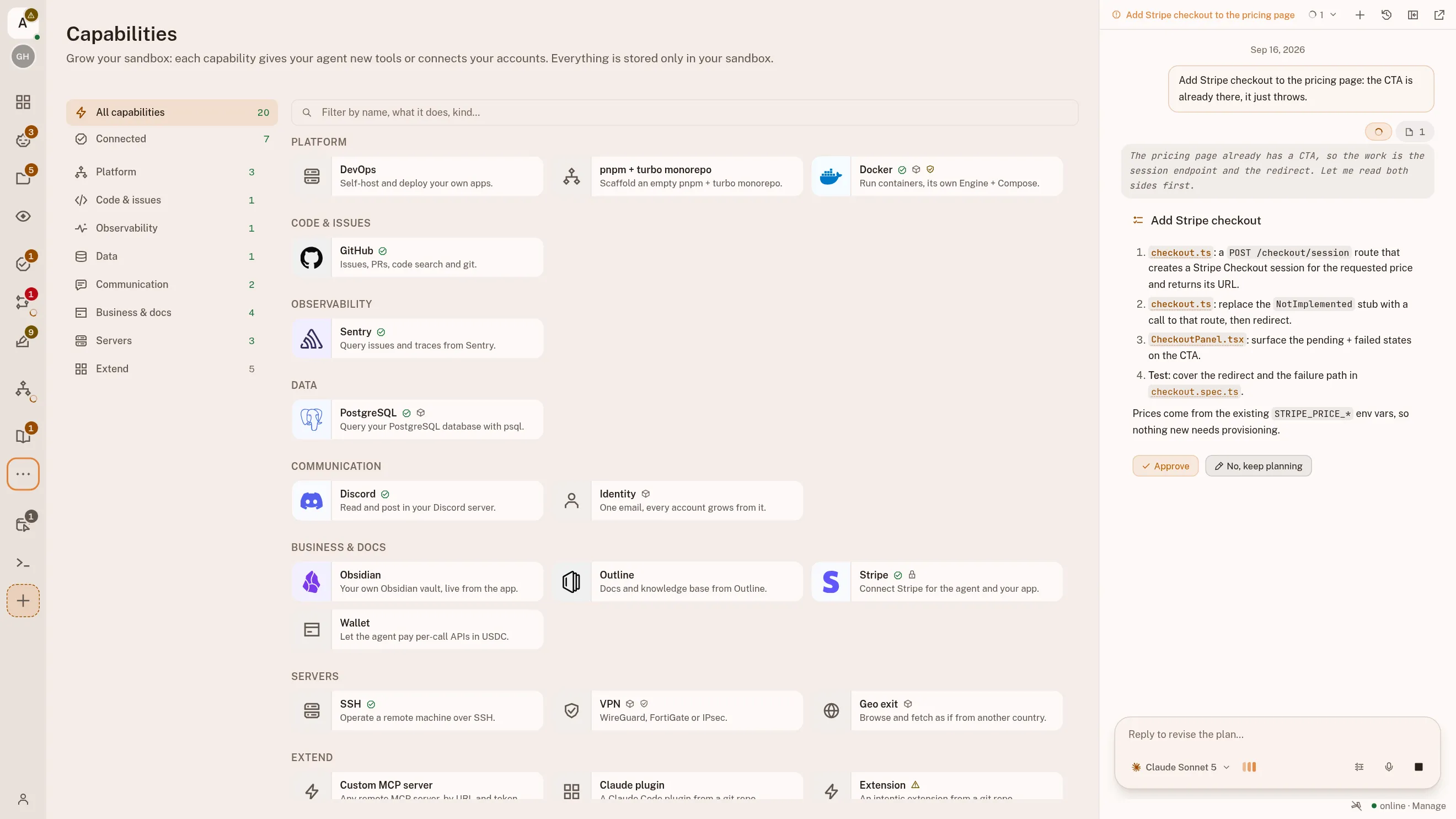
On a schedule
Have it read your inbox every morning, or answer a message the moment one arrives. Every run shows up on your board.
See it →- A pushGitHub · GitLab
- An alertSentry
- A paymentStripe
- An emailany IMAP inbox
- A messageDiscord · Slack
- A schedulecron
Your own command reads the event first
One line, run in your workspace, that decides whether this particular event is worth waking an agent for.
a nightly sweeptest -n "$(git diff)"
A fresh agent session
- Opens on your board, with its own transcript
- Its own branch and checkout
- Nothing lands until you have read the diff
Your say
It writes a plan first and waits for your yes. Every change is saved as a version, so you can always go back.
See it →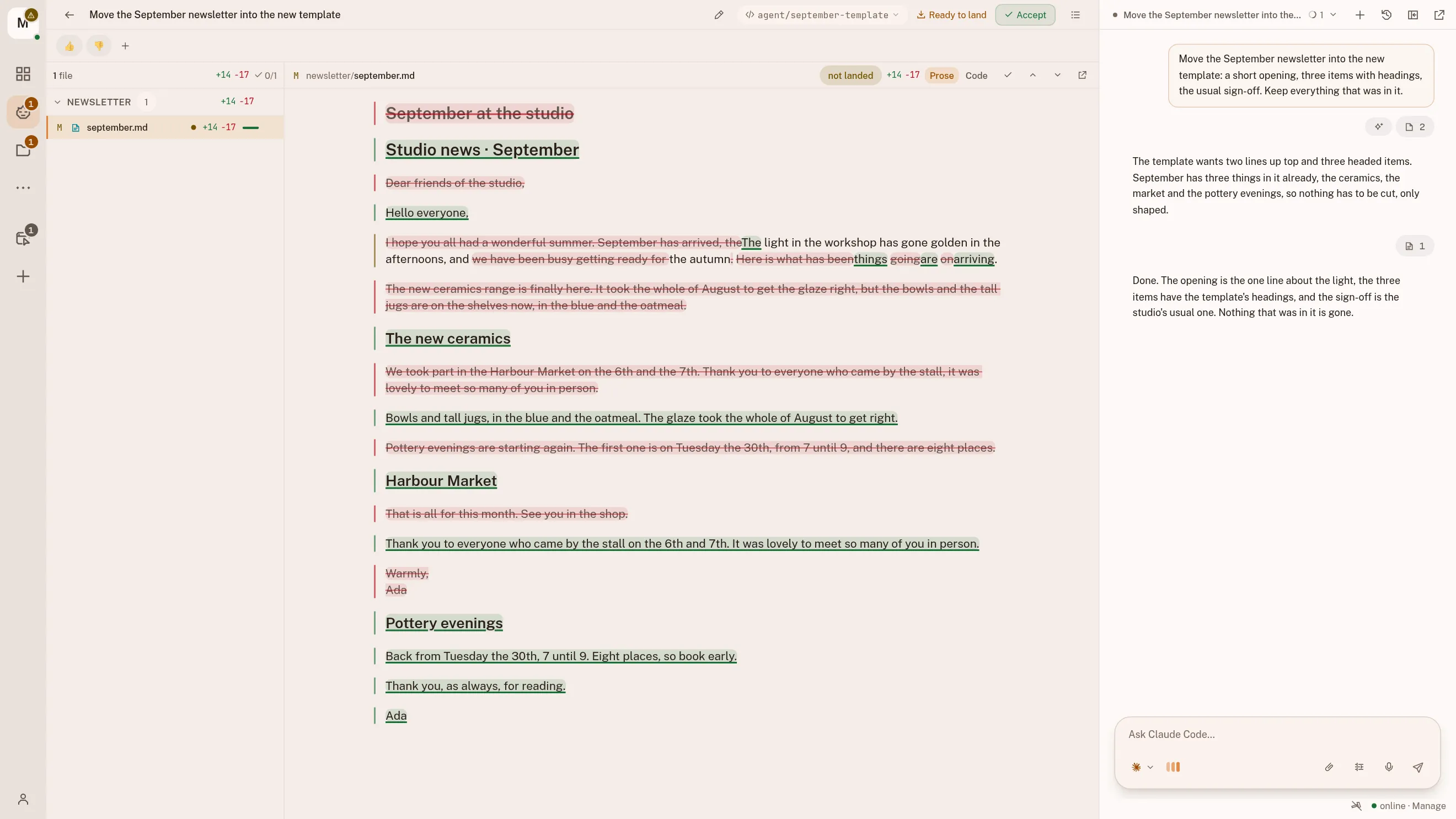
Anywhere
Keep it on your computer, or move it to a server so it works while your laptop is closed.
See it →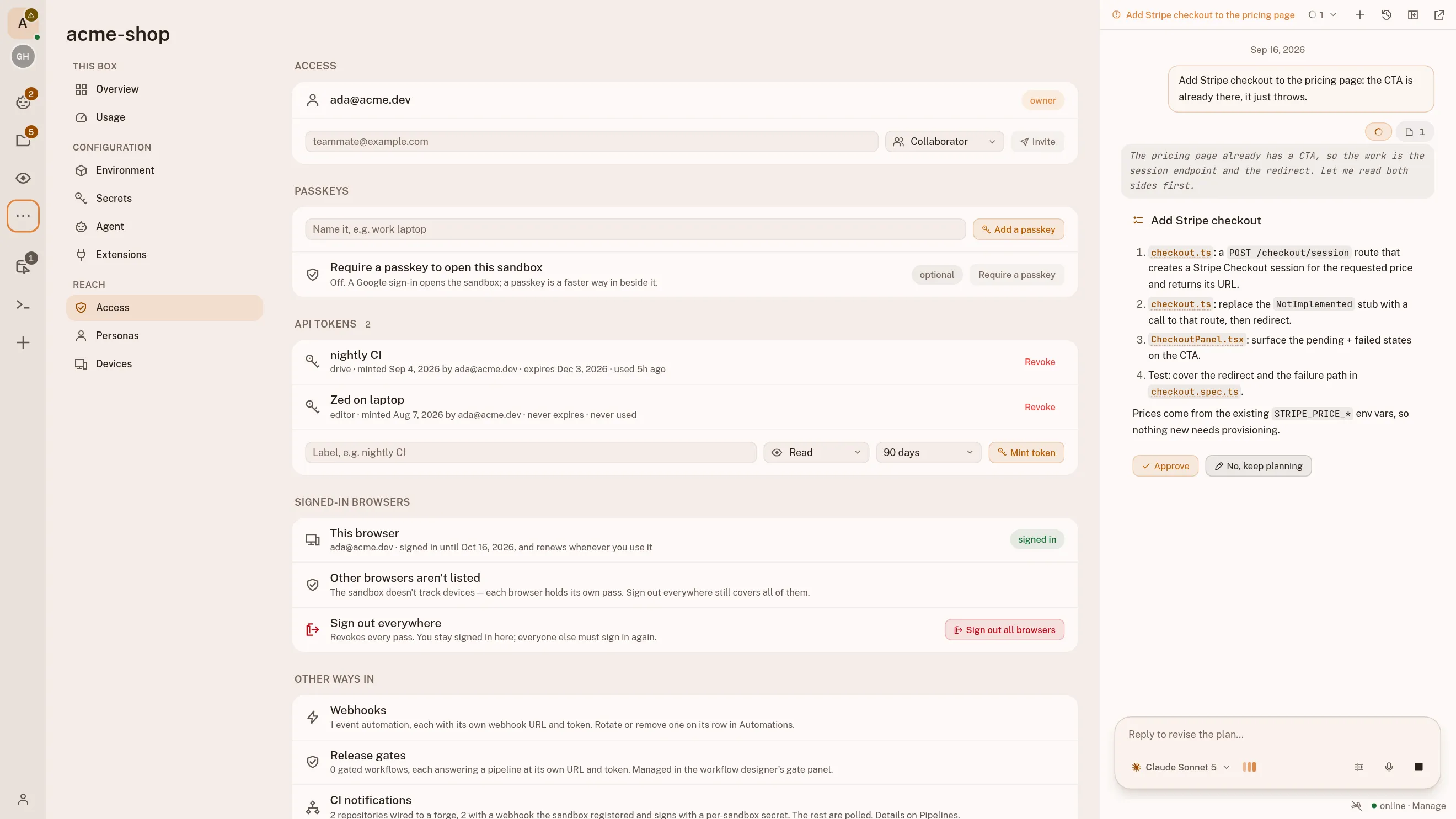
You can see exactly what it changed.
An assistant that edits your files has to show you what it did. Here, every change is on screen before you accept it.
Here
What you get to look at.- What changed in every document, before you accept it
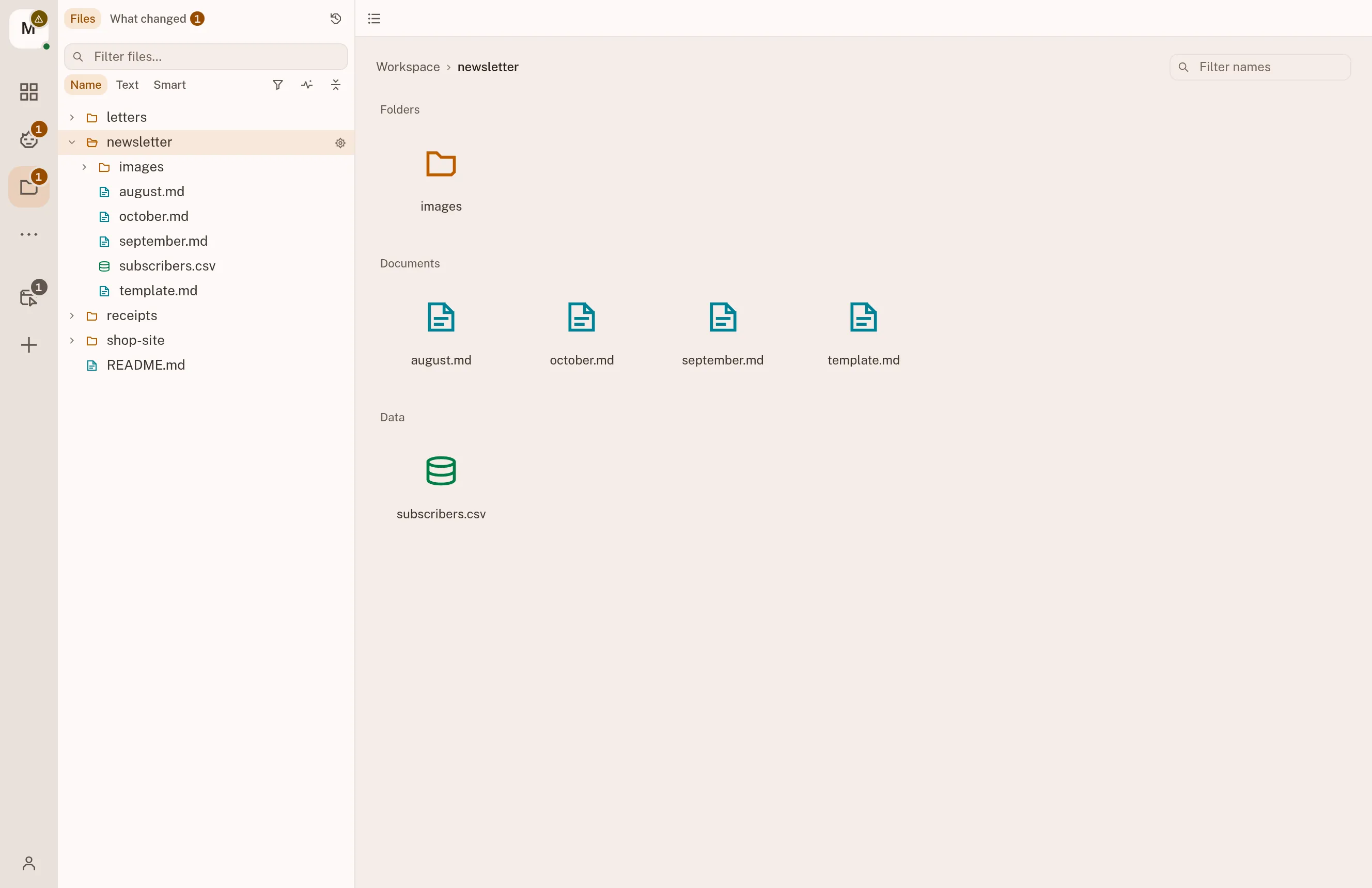
- Your files, in folders you can open any time
- The work as it happens, stoppable at any moment
- A saved version of every accepted change, to go back to
- What every task cost
In a chat box
What you get instead.- A wall of text
- An assurance that it worked
Nothing to open, and nothing to check.
Every task works on its own copy, so nothing touches the file you have open until you say so.
How accepting a change works →intentic is free. It uses the AI plan you already pay for.
Bring your Claude, ChatGPT or Google account. Your computer does the work, and there is nothing to pay us.
- ClaudeOpus, Sonnet and Haiku, on your Claude plansubscription
- Codexon your ChatGPT plansubscription
- Grokon your SuperGrok plansubscription
- Kimi Codeon your Kimi Membershipsubscription
- GoogleGemini, Claude and GPT-OSS, free on a Google sign-insubscription
- CursorComposer and the frontier models, on your Cursor Pro plansubscription
- Z.aiGLM, on your Coding Plan keysubscription
- MetaMuse Spark, on your Model API keysubscription
- We never meter what it uses or add a markup.
- Nothing to rent. The assistant runs on the computer you start it on.
- Everything is included. No tiers, no limits, no card.
Artur Kurowski
Full-stack engineer, DevOps, and 15+ years of shipping production systems.
Developer's job has changed. We're now AI operators. It requires different toolset.
More about who builds this →Why trust intentic?
Self-hosted. The platform holds only your identity and sandbox URL, never your code or keys.
What the platform actually holds →Open source first
All of intentic is MIT on GitHub. No hidden binaries, no telemetry, nothing to trust blind.
Read the source →It builds itself
Agents wrote most of intentic in public, and every commit they made sits in the log.
Read the commit log →It is new
There are no customer counts, testimonials or maturity claims yet.
Three steps to your first task.
Download the app, sign in, and ask for something.
Download the app
Windows and Linux. It installs what it needs, asks before it does, and opens your workspace when it is done.
Sign in with Google
No forms and no card. We keep your email address and your workspace's address, and nothing else.
Ask for something
Type what you want done, in your own words. The plan comes back first, and nothing changes until you say yes.
Rather not install anything?
Sign in from your browser and it walks you through the same setup, one command included.
Before you install it.
What it costs, where your files stay, and what is not built yet.
What do I need to run it?
A Windows or Linux computer and a Google account to sign in with. The app installs everything else it needs, and asks before it does.
It works with the AI plan you already have: Claude, ChatGPT, or a free Google sign-in.
Download the app →Where do my files live?
On your own computer, in an ordinary folder you can open with anything else. Nothing is uploaded to us.
The assistant works on a copy of its own, and nothing touches your file until you accept the change. Every accepted change is saved as a version, so you can always go back.
What does it cost?
Nothing. intentic is free and open source. The assistant runs on the AI plan you bring, and we never meter or mark up what it uses.
Can it read my mail or my calendar?
Only if you connect them, and you can disconnect them at any time. Your passwords stay on your computer; the assistant is handed what it needs for one task at a time, and every connection is listed where you can see it.
What it can connect to →Do I need to learn anything technical?
No. You type what you want in your own words, read the plan it writes back, and say yes or no. The words on screen are plain ones: a draft, a version, what changed.
If you do write code, the same product has a developer edition, with the file tree and every panel.
The developer edition →Is there a Mac version?
Not yet. On a Mac, use it in the browser: sign in at app.intentic.dev and it walks you through the setup, one command included.
Open-source and free forever
Yours to keep, on your own computer,
with nothing to pay us.