It proposes. You approve. Nothing is merged until you read the diff.
Every agent plans first, then waits. Review each file before you accept the change.
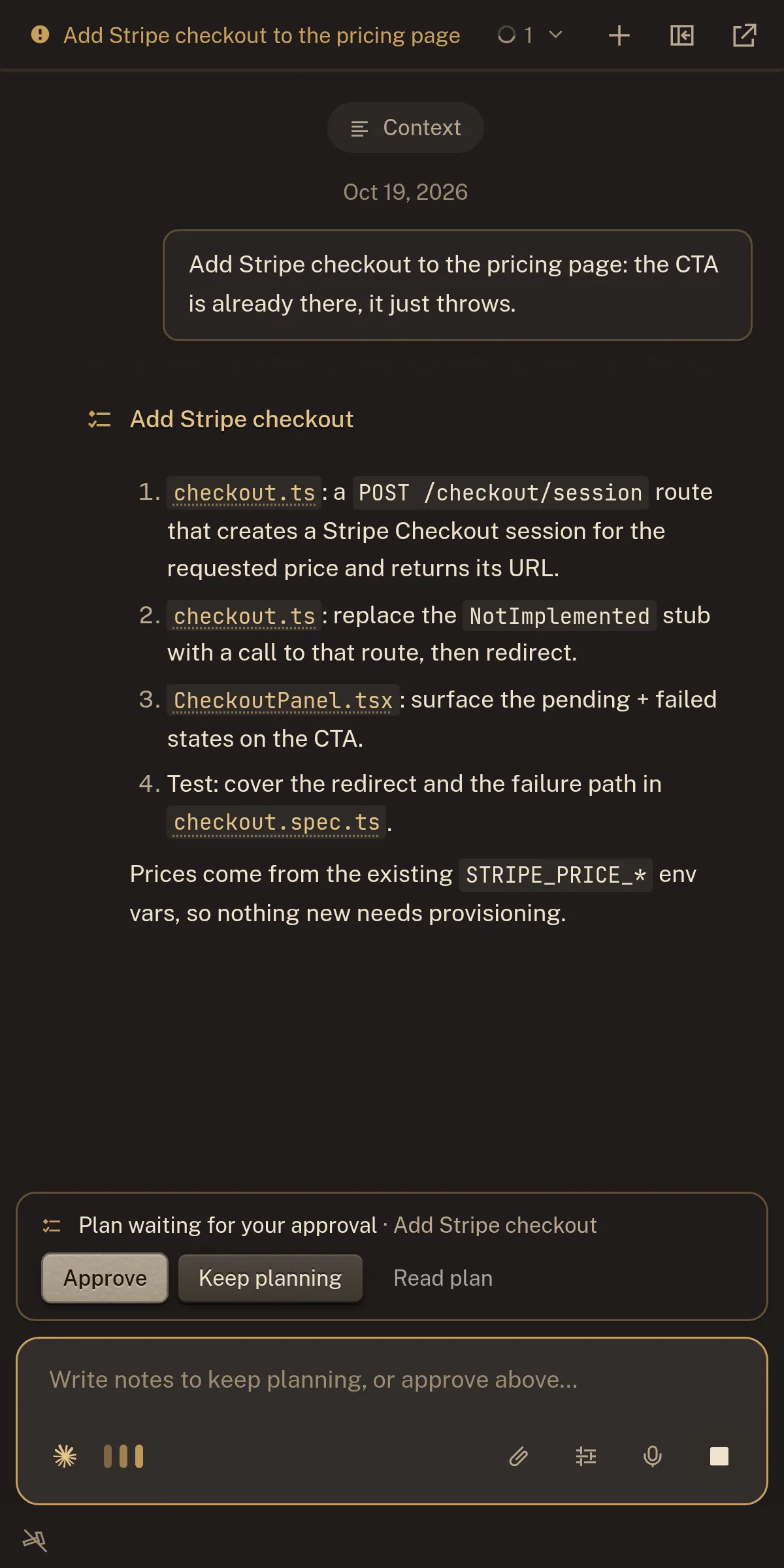
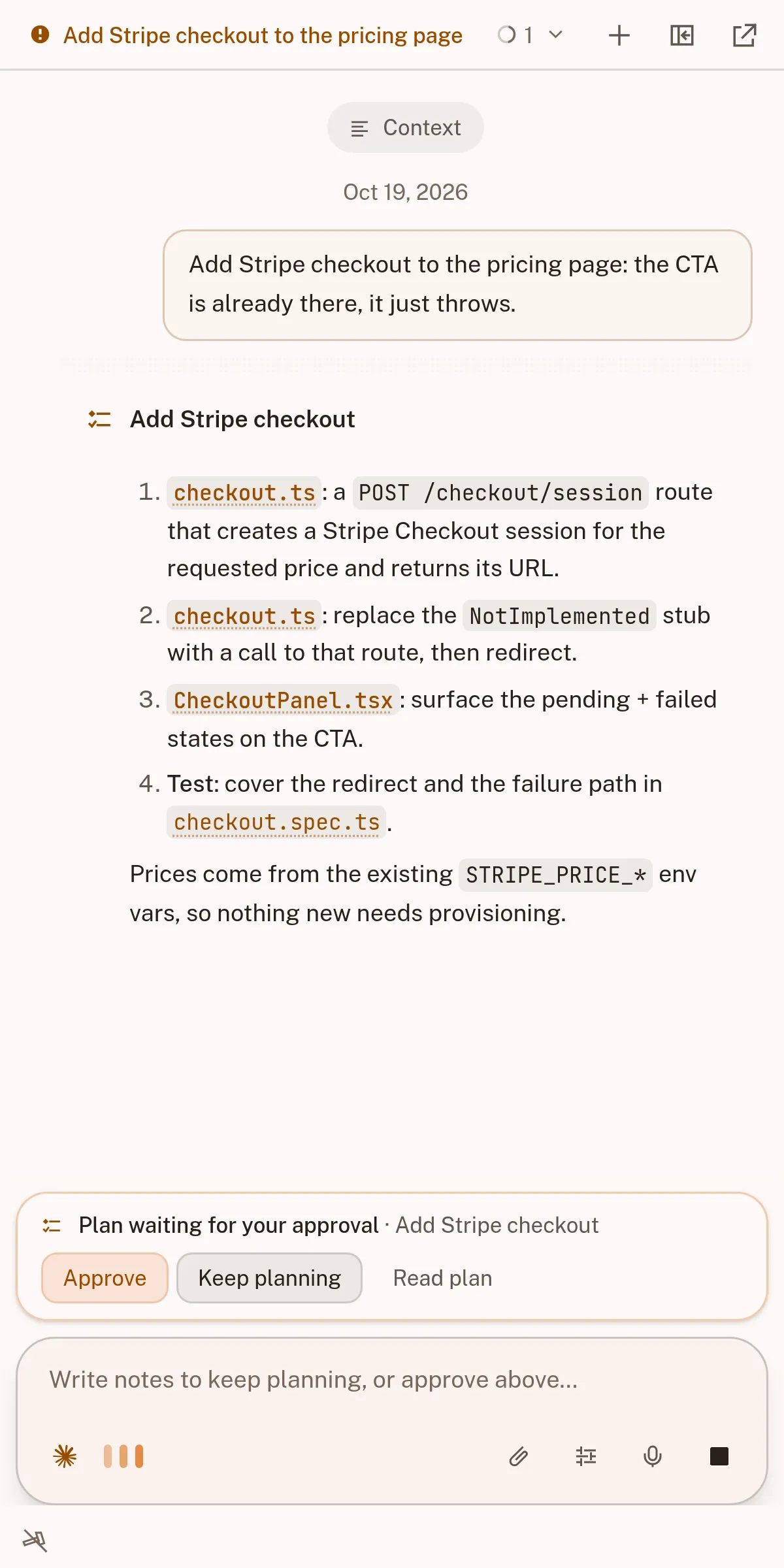
- Plan firstevery agent reads, proposes, then waits for you
- Permission dialhow much it may do unattended, per turn
- Accept or discardone button each; no change is accepted by surprise
The plan is the contract
Before editing, it shows which files it will touch. Approve, and the plan becomes a to-do list you watch.
- Thinking, tool calls and to-dos stream as they happen, never summarised after the fact
- Steer mid-turn: a message lands in the running turn instead of queuing behind it
- Continue the same conversation on your phone and unblock an agent with one tap
Permission is a dial, not a switch
A pill sets how far the agent may go each turn: strict for a migration, loose for a changelog.
Reviewed by file, not by wall of text
Work is grouped by file, so a 400-line change reads as six decisions. Unread files stay marked until you look.
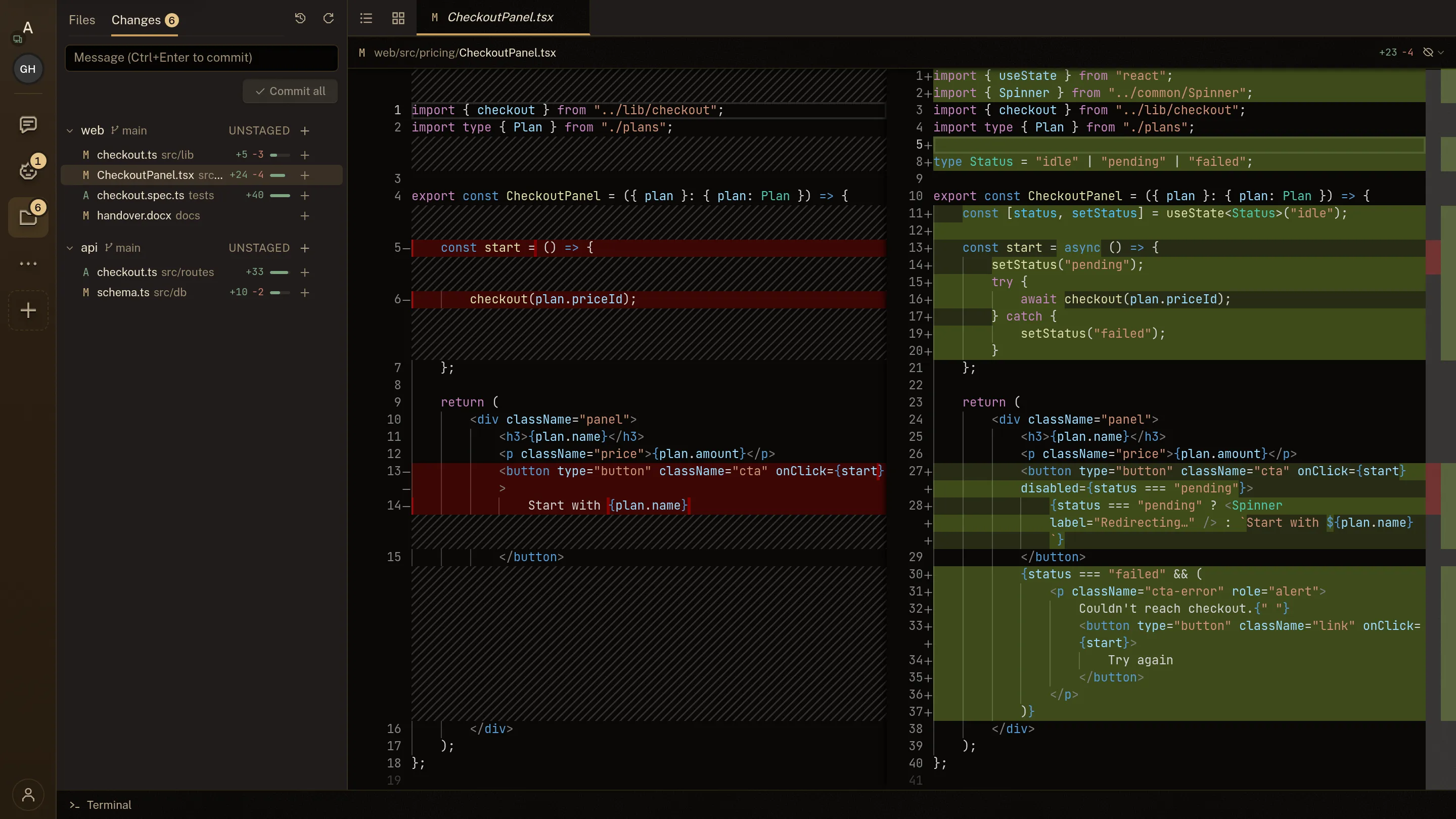
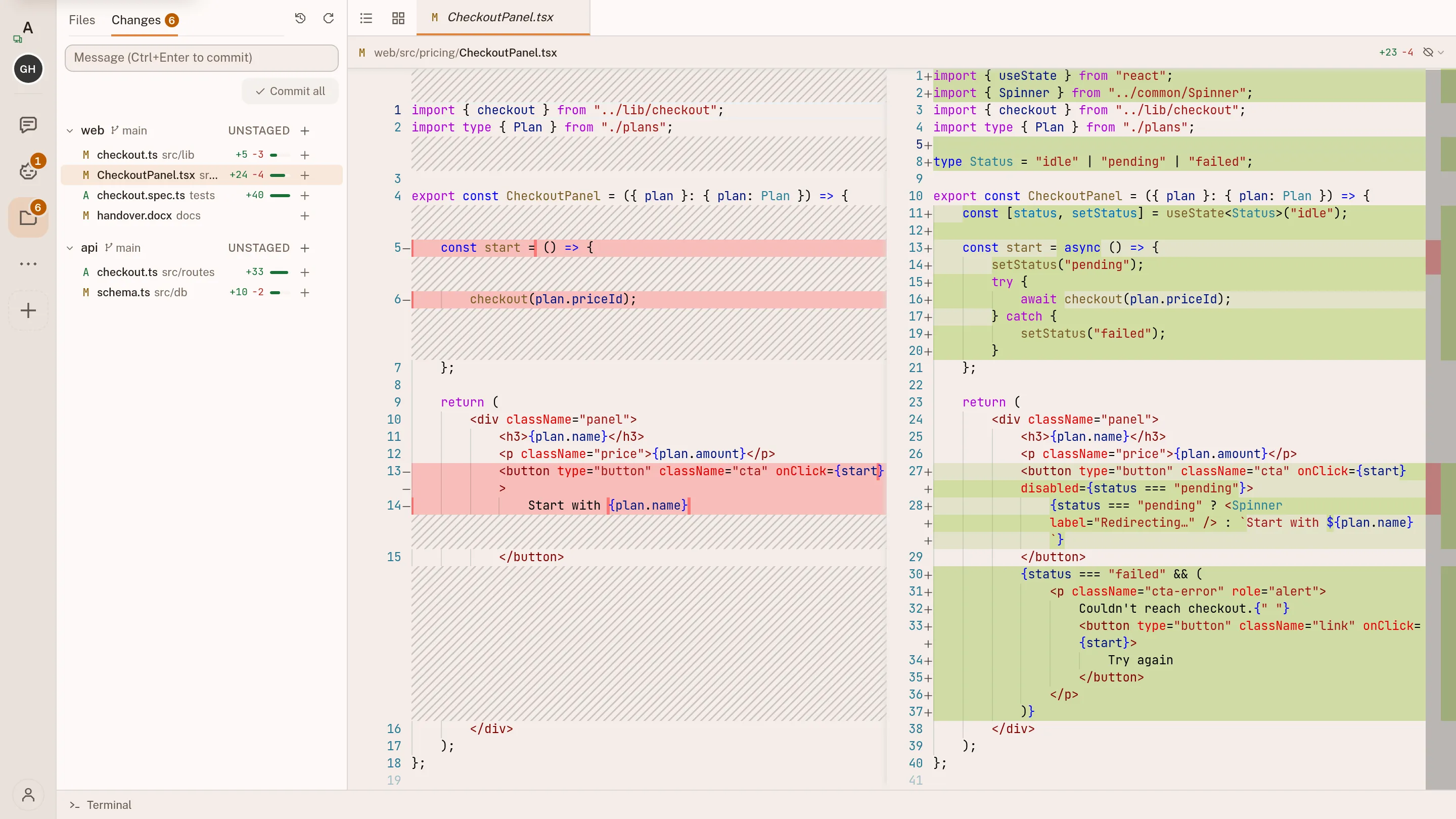
The review boundary is a real branch
Accepting the agent's work adds ordinary git changes you can stage, amend or revert.
Untouched until you accept the work, and still yours to change or revert afterwards
Steer it by what it knows, not by nagging
You can't make the model smarter, but you can equip it: better context and tools each turn.
A prompt
a system prompt and a few .md files- Can describe tools, but cannot install them.
- Cannot access your code, data or services.
- Starts from the same blank context every run.
- Produces output you must apply yourself.
The whole environment
a sandbox you can open and change- Development tools and libraries are installed.
- Connects to your repositories, databases and services.
- Loads the context you chose on every run.
- Does the work and shows every file change as a diff.
One workspace, two operators
You and the agent share one workspace. You open the same editor, files and terminal it uses.
You and the agent use the same search, terminal, files and network connection, so both always see the current state.